
How to add bank details in Lappa Invoice
Why is this necessary?
Bank account information is required for generating PEPPOL documents — it gets embedded in the payment/banking section of the invoice.
Where to find it
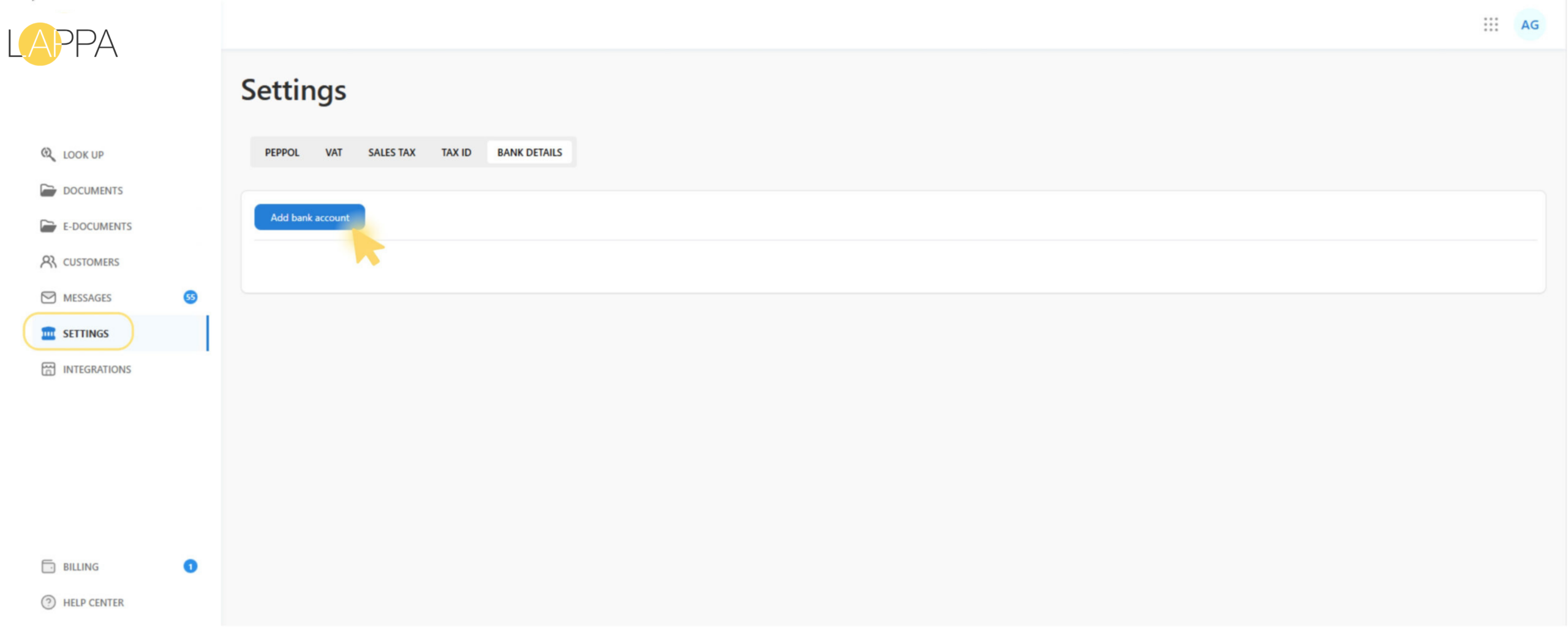
- Open Settings in the left menu
- Go to the Bank details tab
How to add a bank account
- On the Bank details tab, click Add bank account.
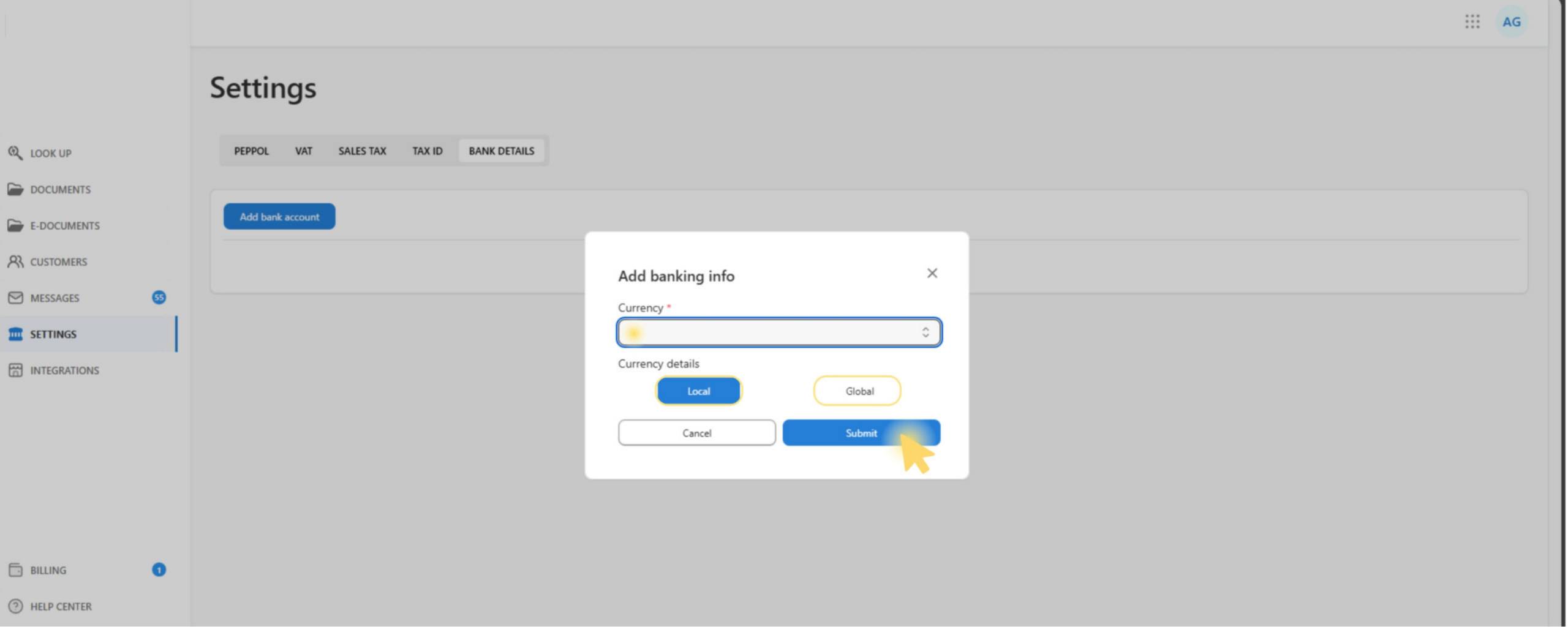
- In the Add banking info modal:
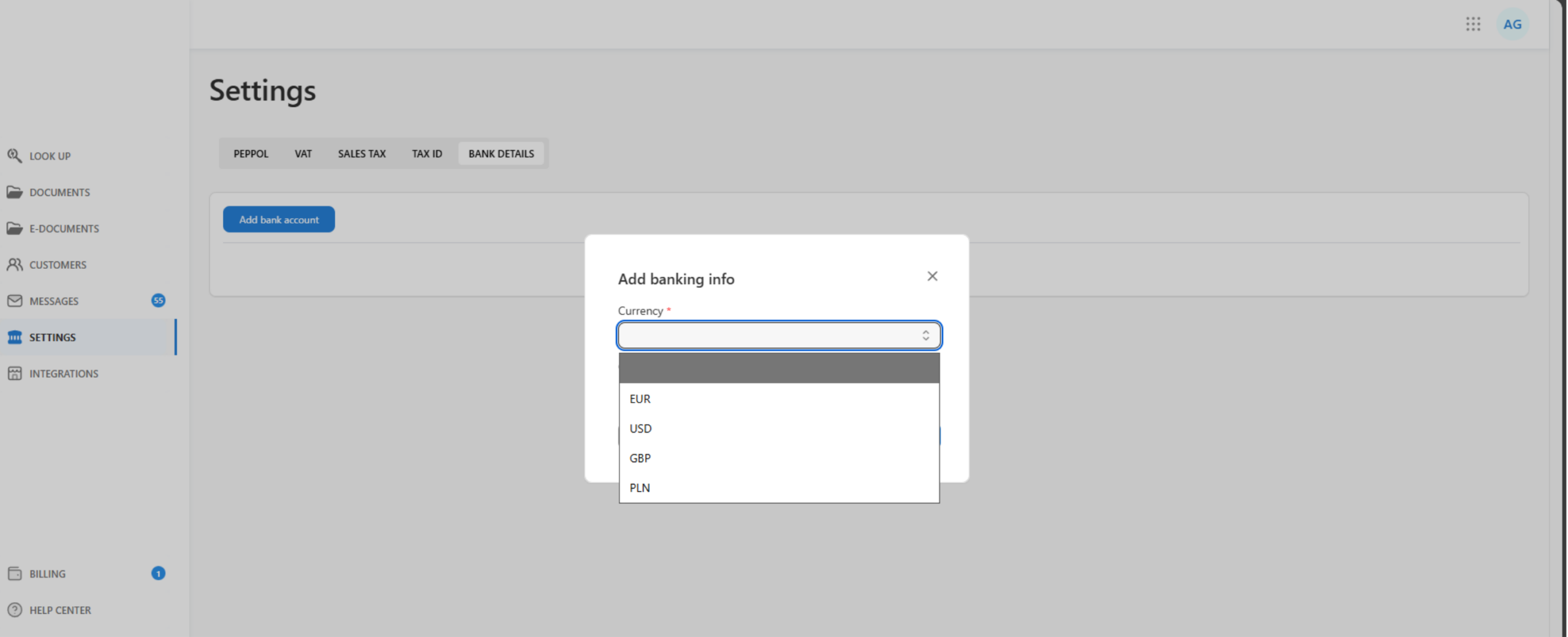
- select Currency
- in Currency details, choose Local or Global
- fill in the fields (they depend on the currency and the selected type)
- click Submit
What saved bank details look like
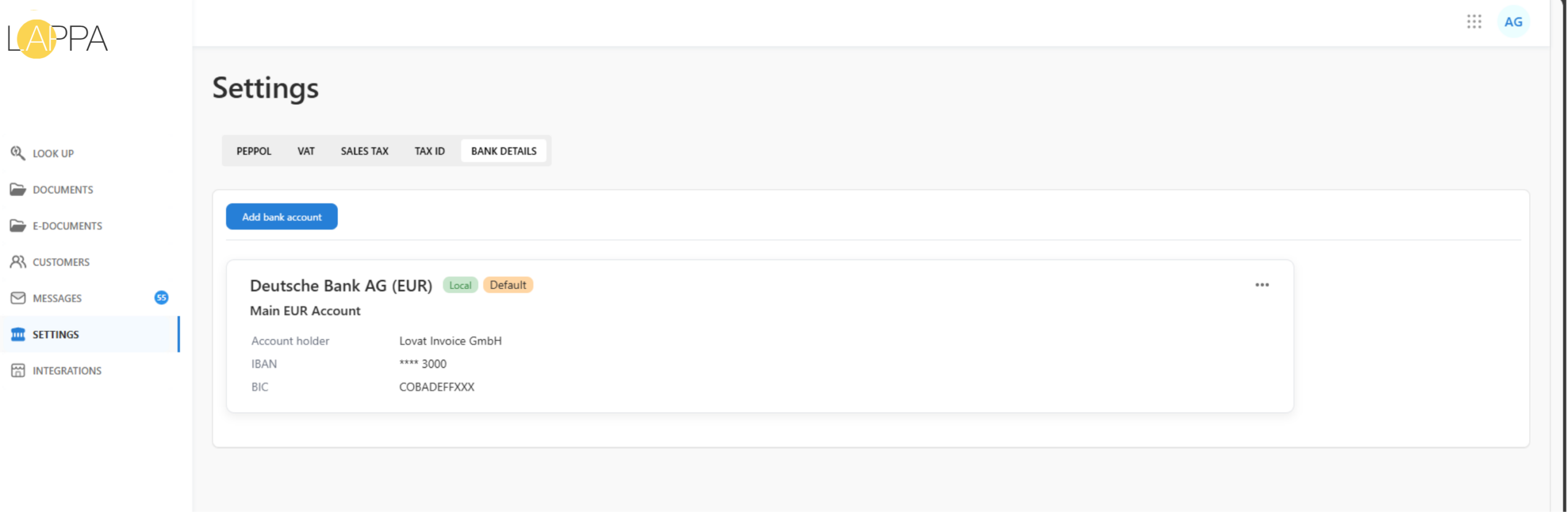
Once submitted, the account entry appears as a card under Settings → Bank details.
Each card displays the following information:
- Bank name and currency (e.g., Deutsche Bank AG (EUR))
- Account name (optional label)
- Account holder
- Masked IBAN / Account number (partially hidden for security)
- BIC / SWIFT (if provided/required)
- A badge for Local or Global
If an account is marked as Set as default, a “Default” badge will be shown on its card — indicating that this account takes priority when bank details are selected for PEPPOL document generation.
Supported currencies and their required fields
Below is what you need to enter for each currency, depending on Local / Global.
Terms:
- IBAN — International Bank Account Number
- BIC / SWIFT — bank identifier code for international transfers
- Account Number — bank account number
- Routing Number — US bank routing code
- Sort Code — UK bank code
USD
- Local: Account Number — required, Routing Number — required
- Global: Account Number — required, SWIFT/BIC — required
EUR
- Local: IBAN — required, BIC — optional
- Global: IBAN — required, BIC/SWIFT — required
GBP
- Local: Sort Code — required, Account Number — required
- Global: IBAN — recommended, SWIFT/BIC — required
PLN
- Local: IBAN — required
- Global: IBAN — required, SWIFT/BIC — required
Automatic application of bank details to documents
When documents are pulled in from integrations, the system populates bank details automatically by following these steps:
- The system takes the invoice currency and looks up bank details for that currency
- Then it selects which set to use:
- if the buyer’s country and the seller company’s country match → Local details are used
- if they don’t match → Global details are used
Important: paid invoices
For paid invoices, bank details are not sent to PEPPOL.
Still have questions?
Contact us support@lappa.org