
eBay Integration Guide
Link your eBay store to your Lappa account. The Lappa for eBay app lets you handle tax calculations within Lappa for every sale made through your eBay platform, and also enables EPR data submission to meet your packaging compliance obligations.
To establish the connection between Lappa and your eBay account for VAT purposes, please follow the steps outlined below:
Step 1
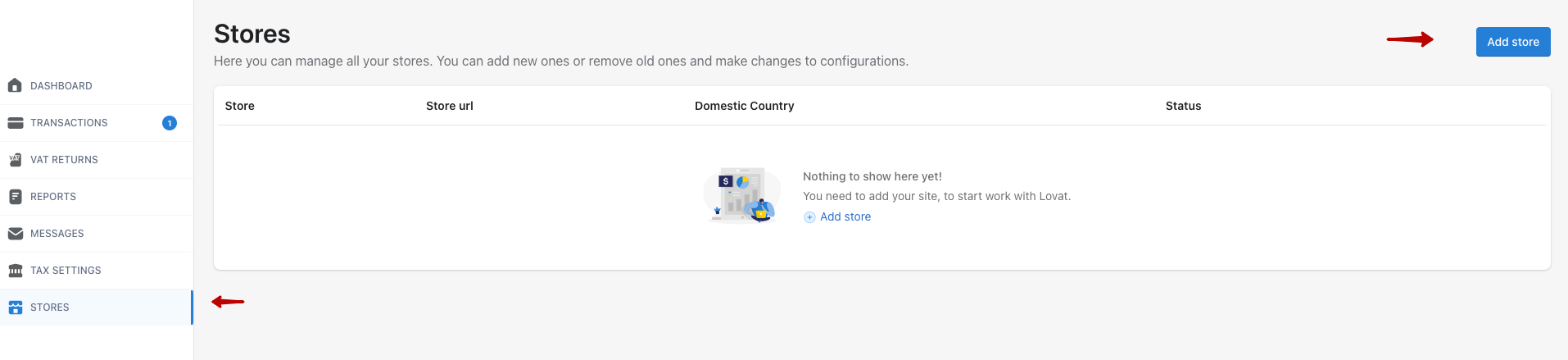
Head to the “Stores” section and press “Add Store”.
Step 2
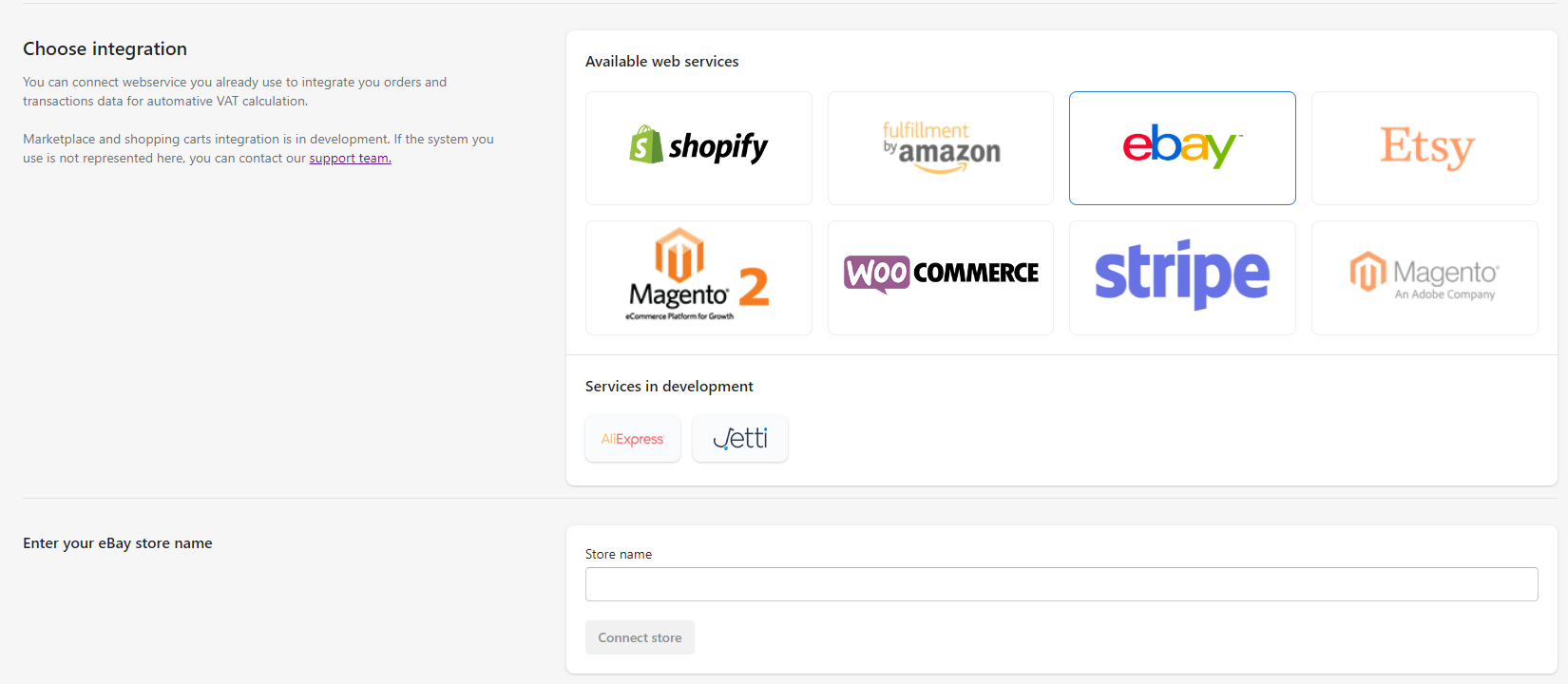
Select “eBay”. Enter your store name in the “store URL” field and hit “connect store”.
Step 3
You will be taken to the eBay login page (if you are already signed in to eBay, this step will be skipped automatically). Sign in to your eBay account.

Step 4
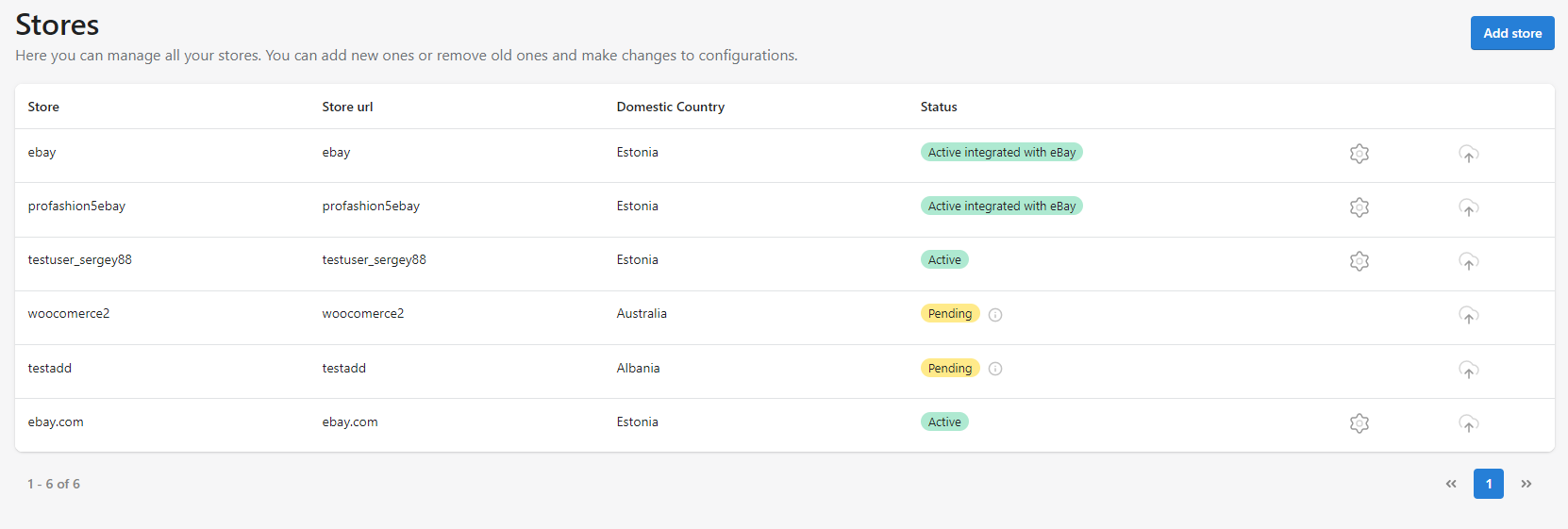
Navigate to the Transactions section and press the “Add transactions” button.
Congratulations!
Everything is set up and ready — you can now use this data to complete your VAT return.